Open real CAD files
View DWG and DXF drawings directly from Files, email, cloud drives or other apps.
Mobile CAD viewer for field work
Open, inspect and measure CAD drawings wherever the work happens. No account, no cloud upload, no desktop handoff.
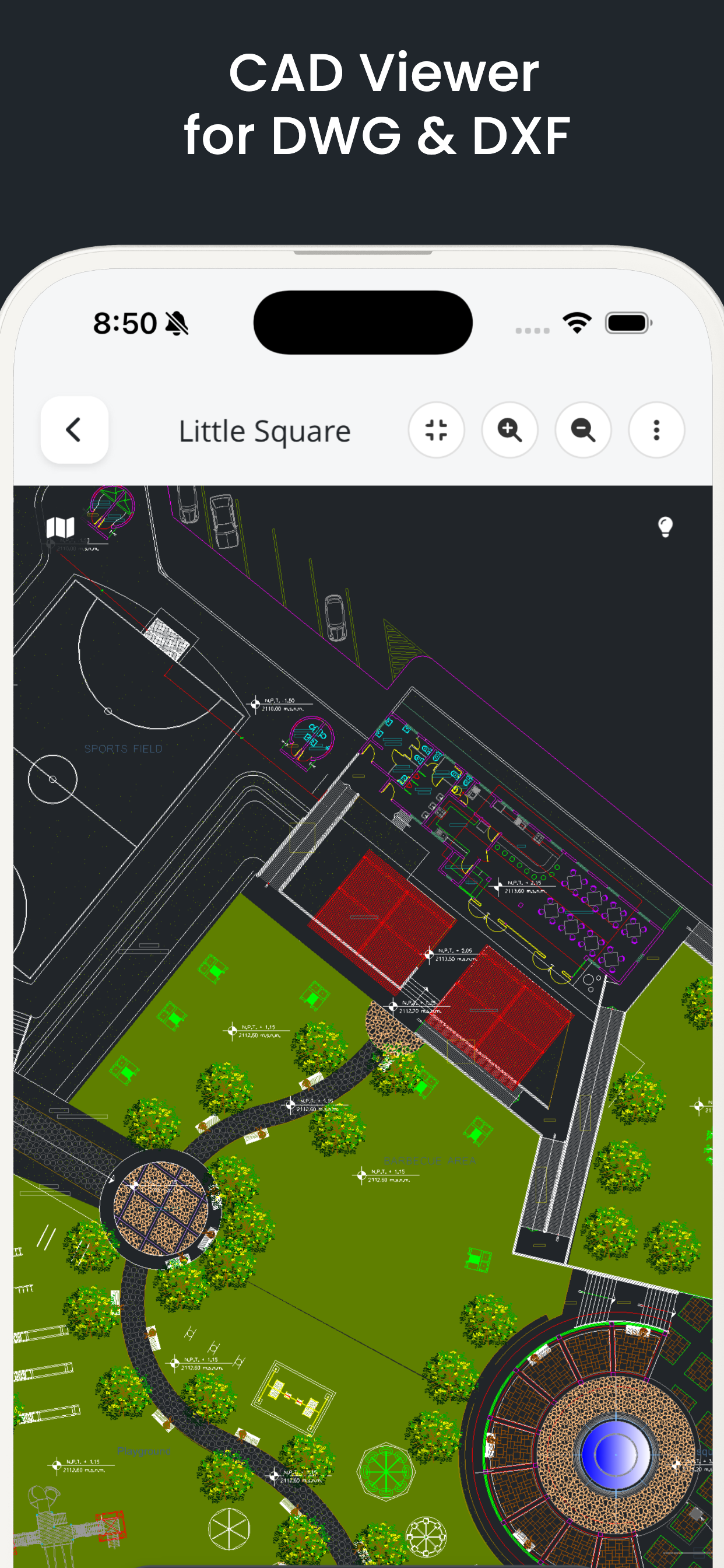
SnapCAD strips away desktop complexity while keeping the tools needed for site checks, inspections and fast decisions.
View DWG and DXF drawings directly from Files, email, cloud drives or other apps.
Pan, zoom, rotate, switch layouts and control layers across detailed 2D and 3D drawings.
Check distance, length, area and angles without returning to a desktop workstation.
Search entities, extract text and tables, and move quickly through complex plans.
Add comments and shapes directly on drawings for clearer field communication.
Create PDF and image outputs or convert files when the workflow needs a handoff.
Privacy-first by default
CAD processing happens on the device. You can open and review drawings without creating an account or uploading project files to a cloud service.
Download SnapCAD free and open your next DWG or DXF on the device already in your hand.